For fashion & homeware retailers
Let them see it on themselves. Before they buy.
One script tag on your product page. The buyer uploads a photo of themselves — or their room — and sees the product on it, right there, in about 75 seconds.
- Ready in
- ~75 sec median, photo in to result out
- From
- a try-on
- Setup
- One script tag
- No app, no signup for the buyer (upload a photo, that's it)
- Nothing new to shoot (runs on the photos already on the page)
- On the person, or in the room (clothing, bags, jewellery, furniture)
A 15-minute setup call. Credits land on your account while we are on it.
No card · No feed export · No replatforming
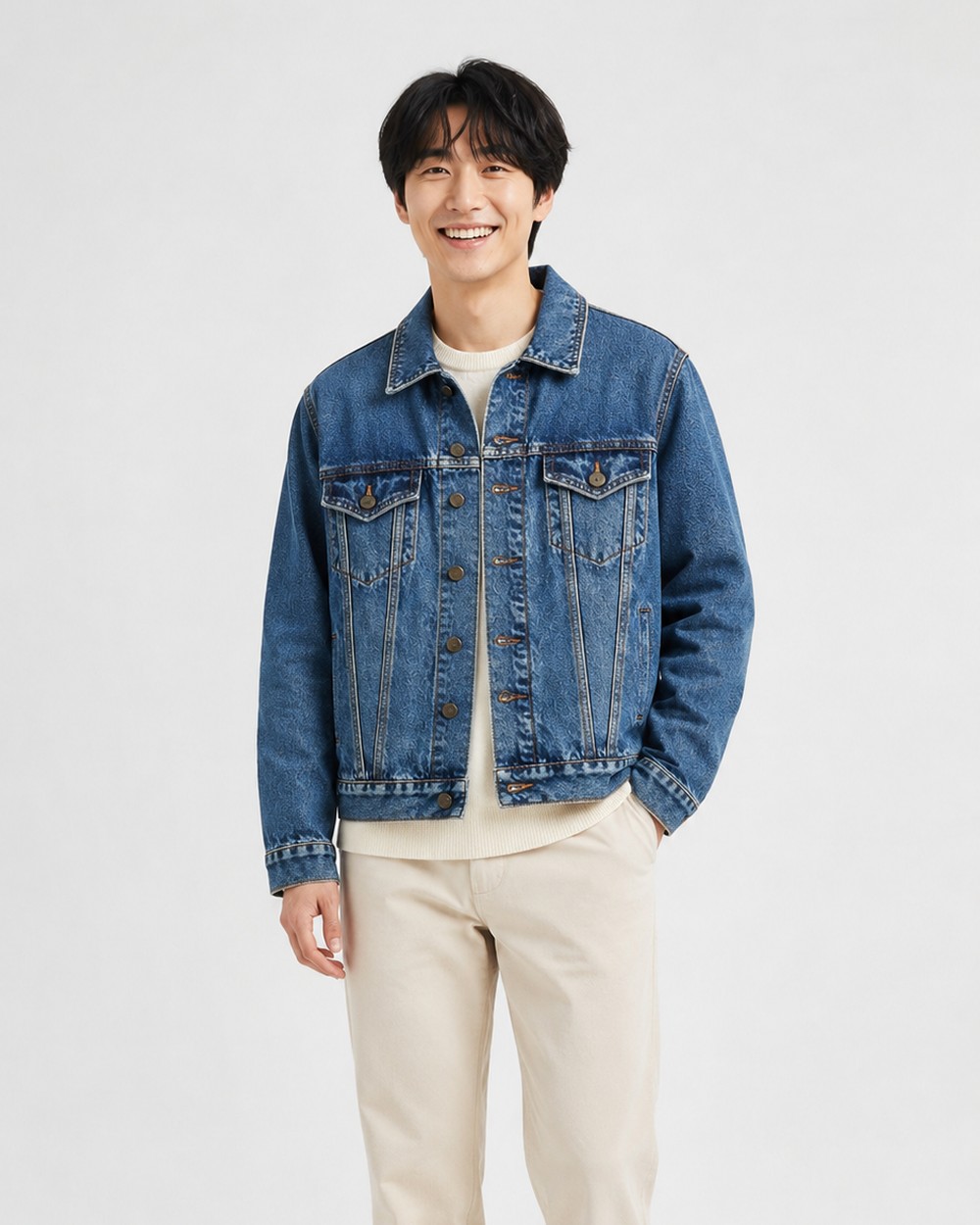 Made with Tryr
 Their photo
Runs on the product page you already have
Shopify appOne script tag anywhere elseFashion · Bags · Jewellery · Furniture
Real results
On them, or in their room.
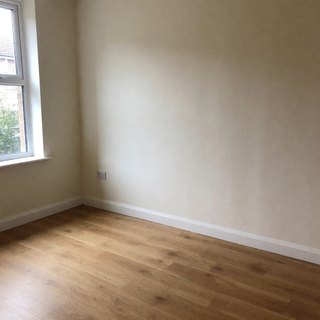
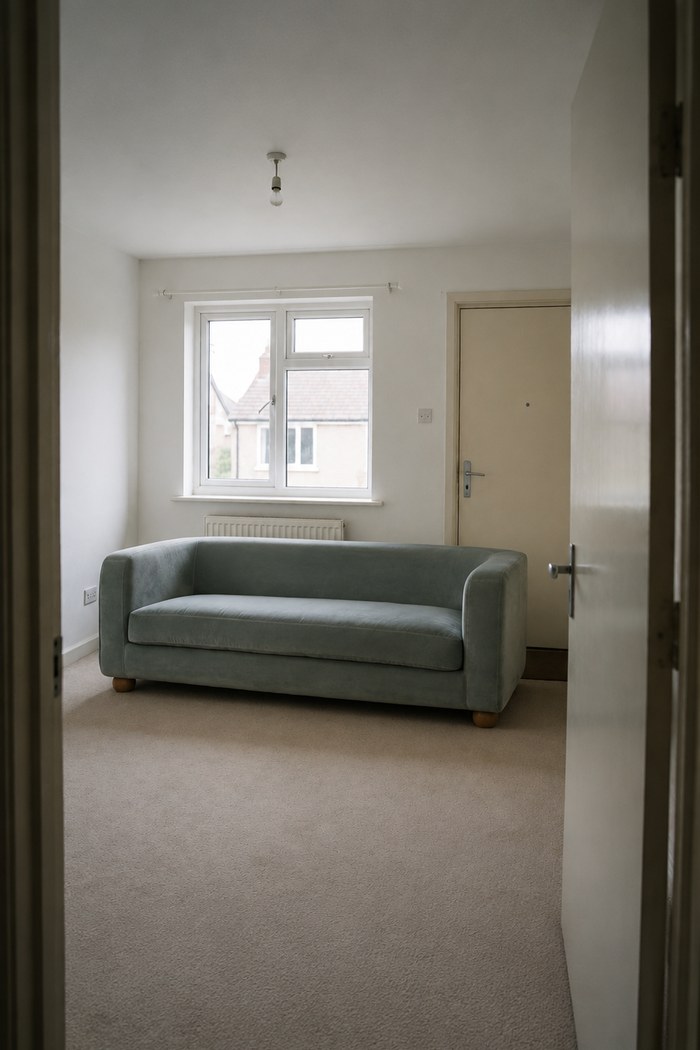
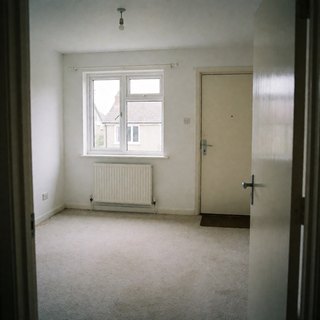
Clothing, jewellery, accessories, bags, furniture. Every frame below came out of the live engine: real try-ons from the buyer's own photo, or a product photo turned into a styled scene — the small square shows which one it started from.
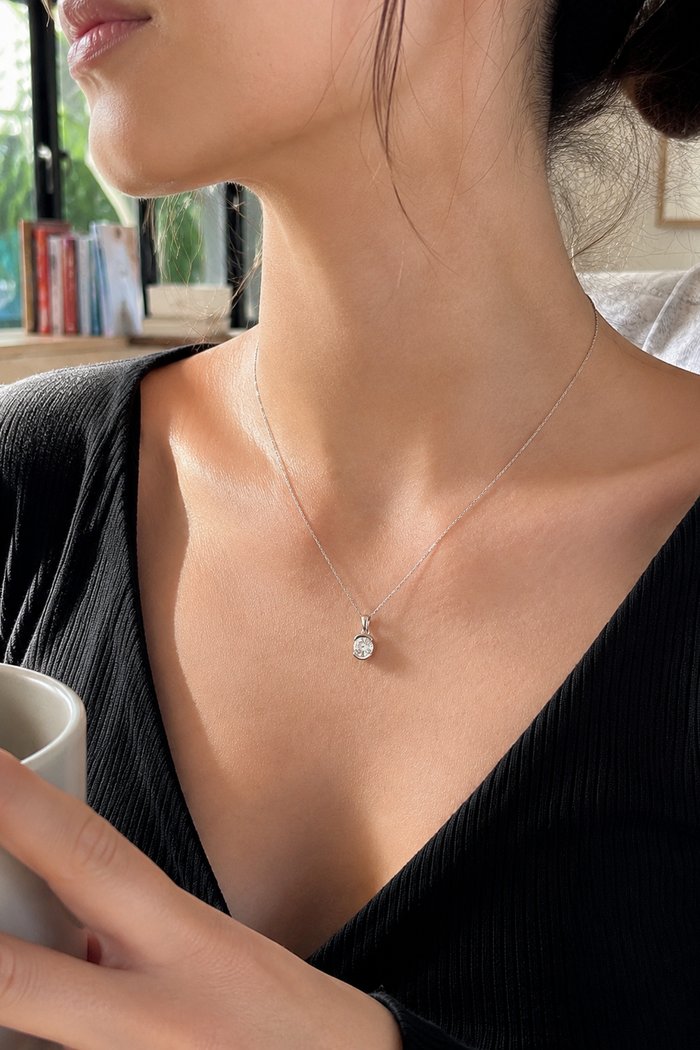
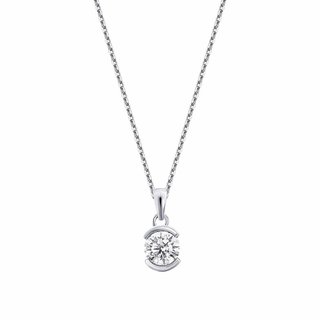 Made with Tryr
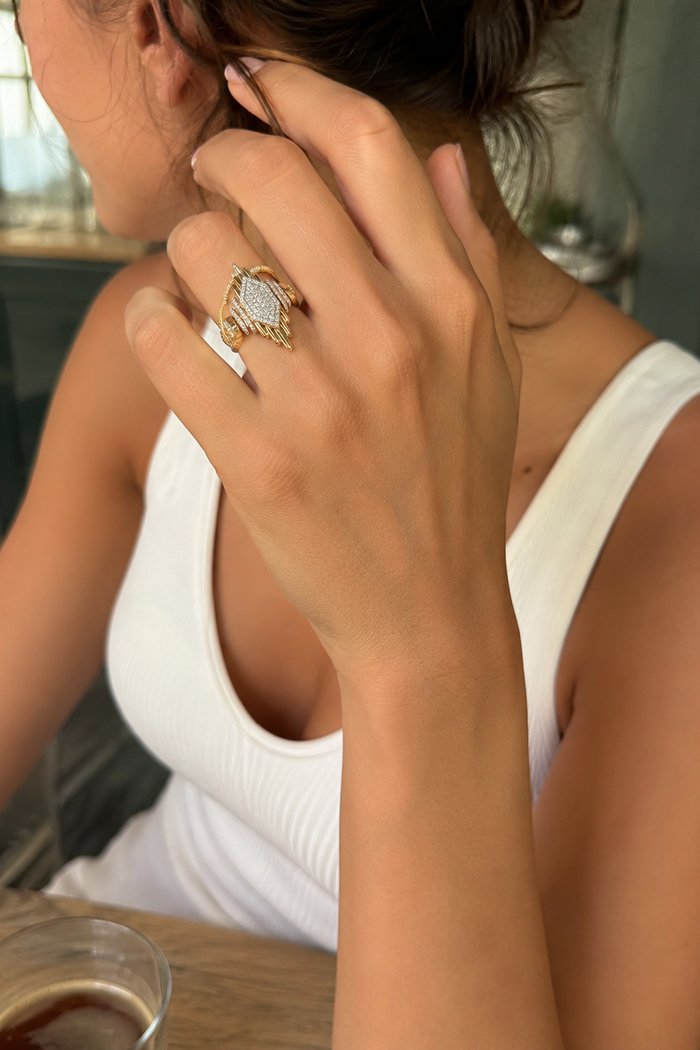
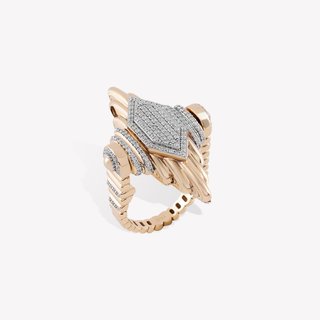 Made with Tryr
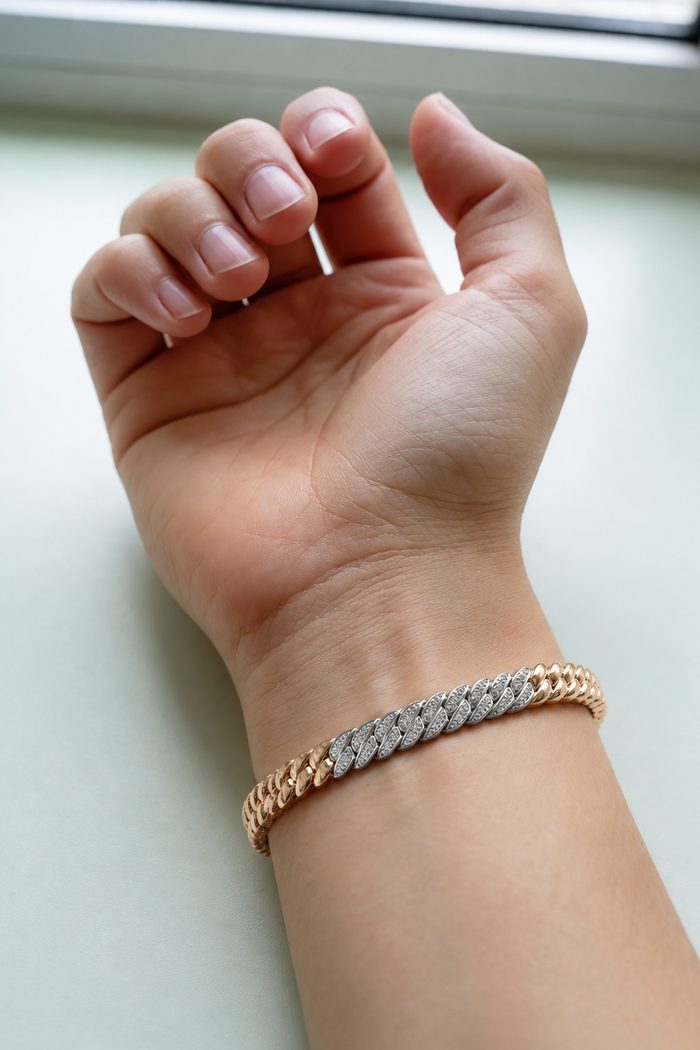
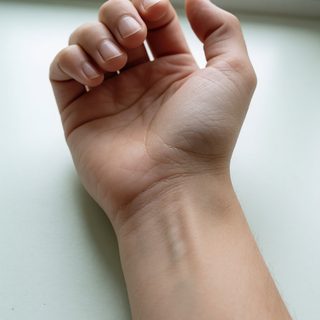 Made with Tryr

 Made with Tryr
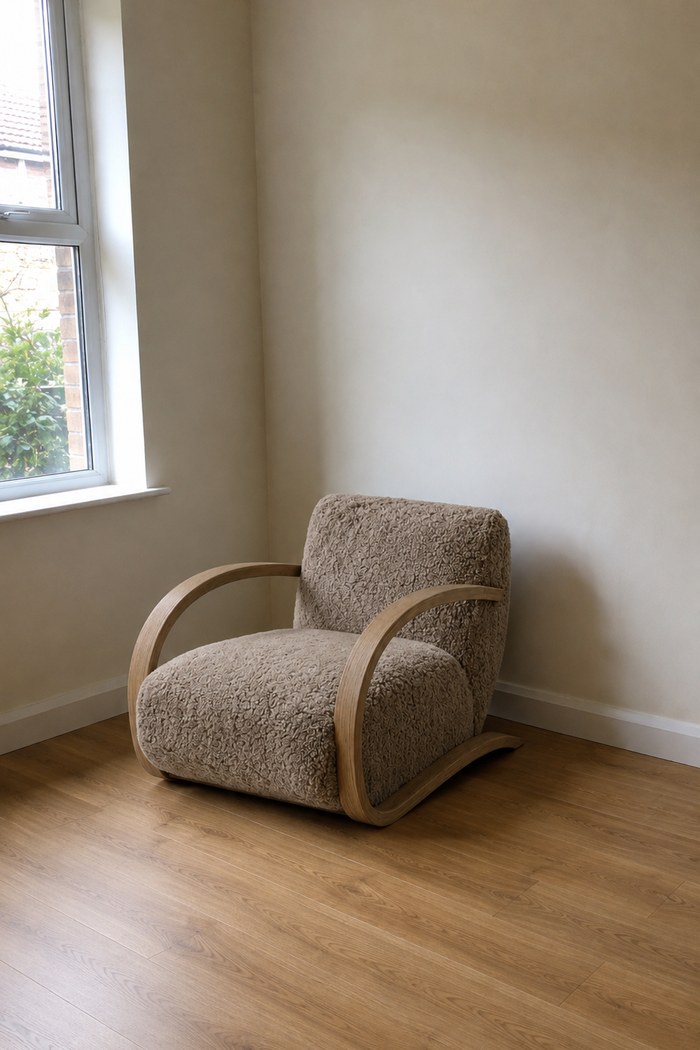
 Made with Tryr
 Made with Tryr
 3D · AR
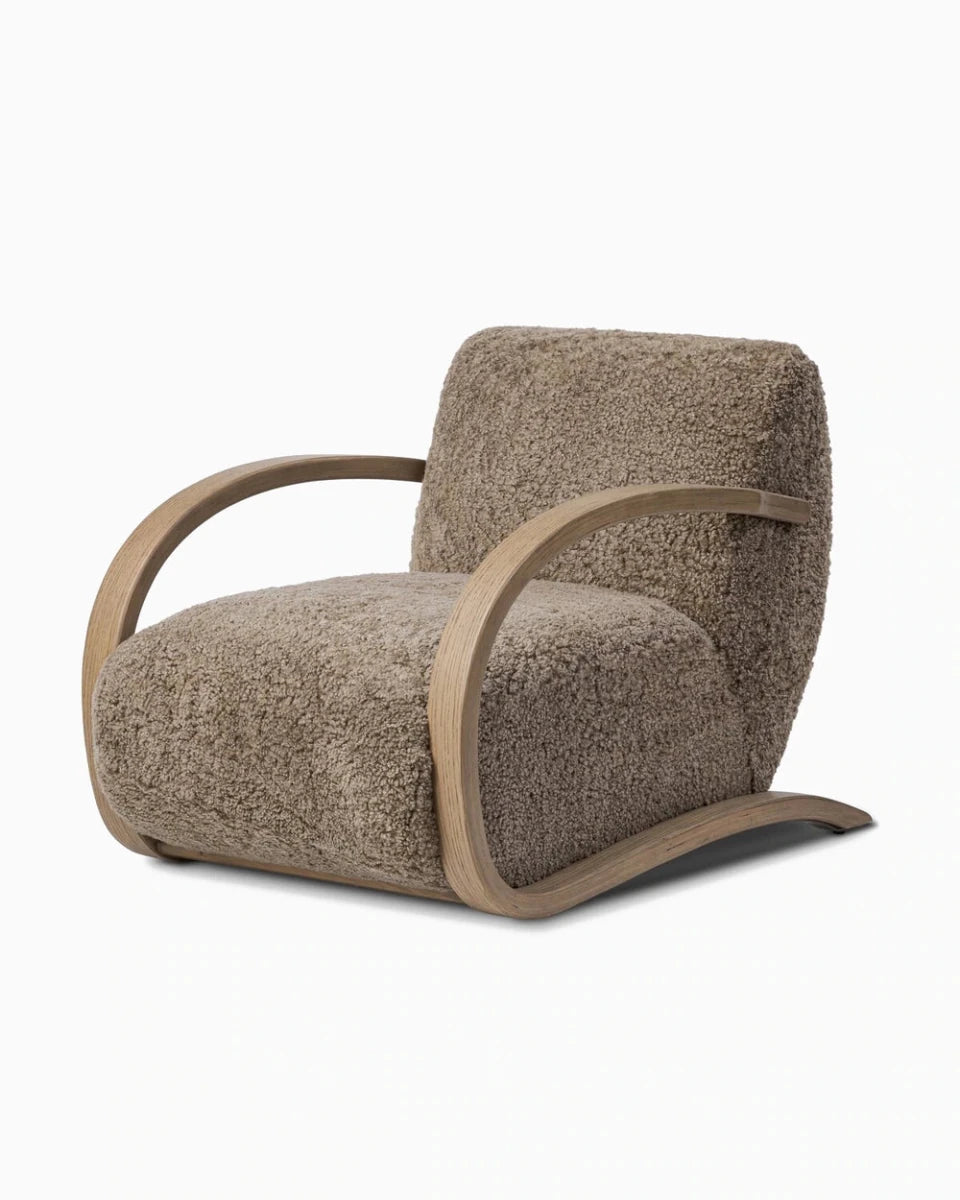
Drag to turn. On a phone, tap View in your room and the chair stands on your floor.
Burke Chair $2,999 Add to cart →3D & AR
Or stand it on their floor. At real size.
Furniture with a 3D model gets a second button next to the try-on: View in your room. The buyer opens the camera, the piece lands on their floor at its real dimensions, and they walk around it.
- In the phone's own camera (iPhone and Android, no app)
- One model per product, built once (served, not rendered — no per-view cost)
- Same page, same buy button (try-on and AR sit side by side)
 Scan to open this page on your phone and place the chair in your room.
How it runs
You do the first step. Your buyer does the rest.
No feed, no 3D models, no new photography. The result lands next to your buy button.
-
1Yours · once
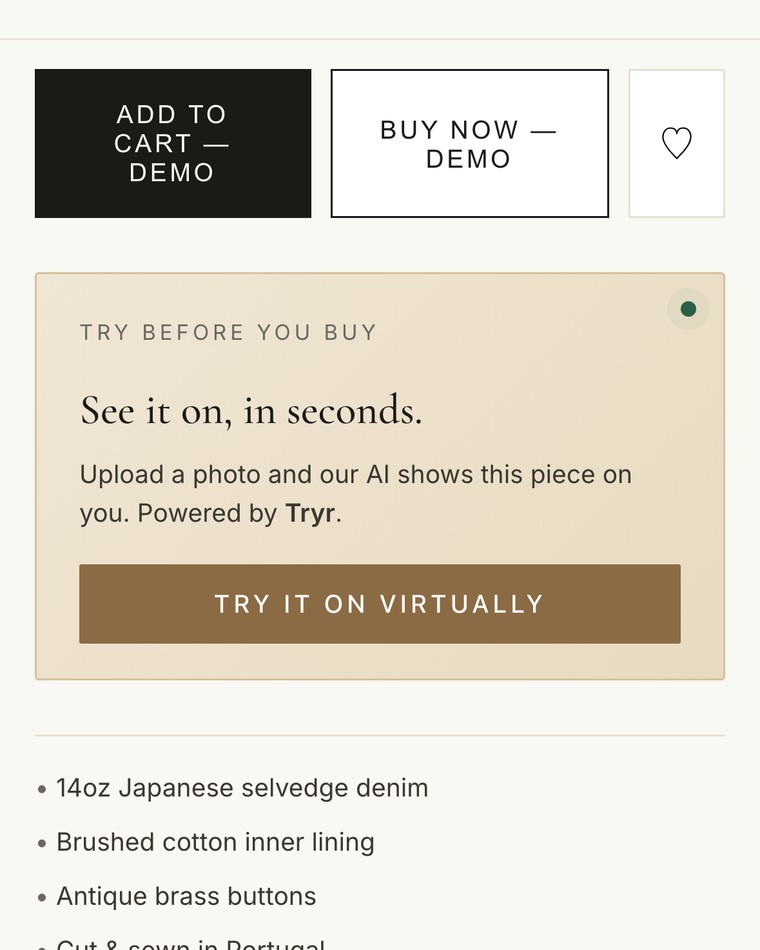
Drop one script tag on the product page
It reads the photographs already on that page. Shopify stores install the app instead.
15 minutes -
2Theirs · 10 seconds
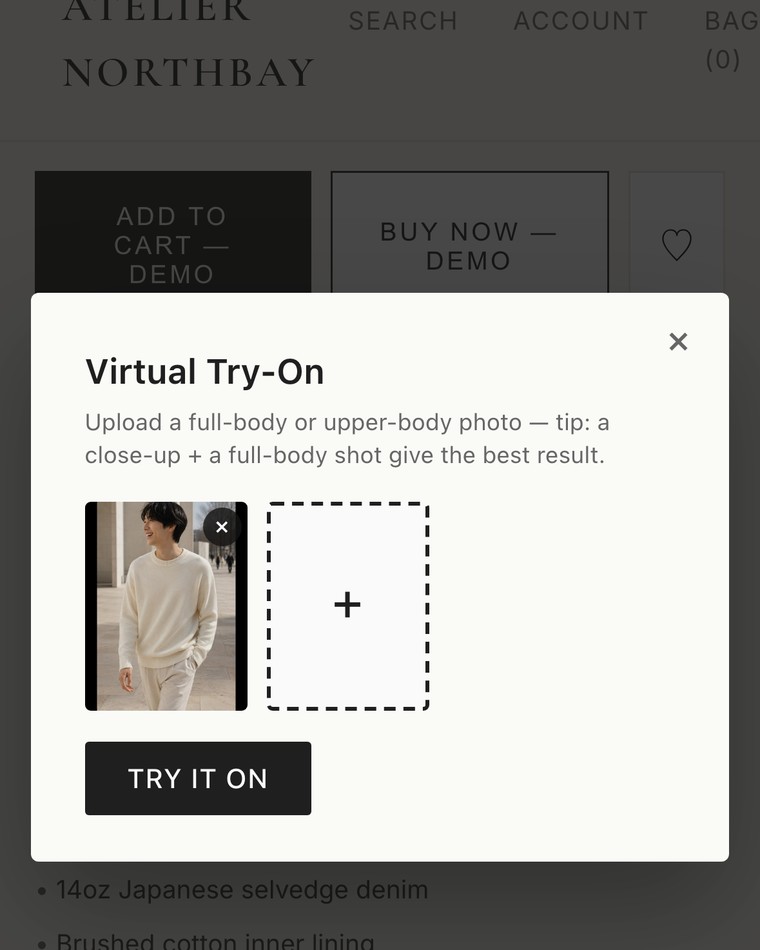
The buyer uploads a photo
Themselves for something worn, the room for something that goes in it. No account, no app.
10 seconds -
3Theirs · ~75 seconds
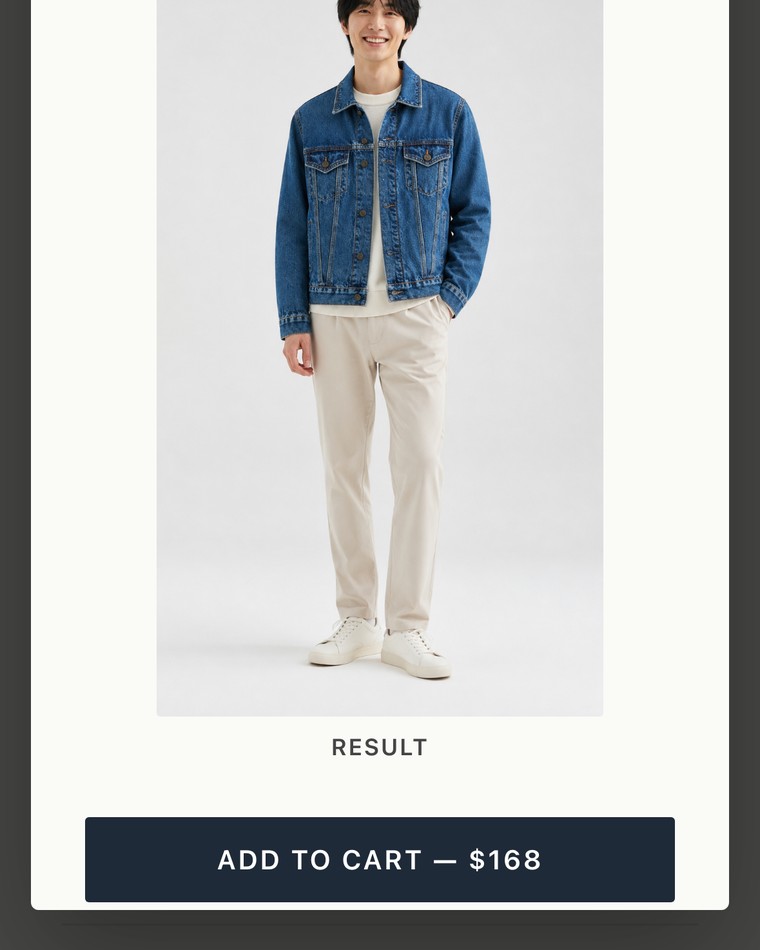
They see it, then they decide
The result lands on the same page, next to the buy button. Median 75 seconds across the try-ons run so far.
~75 seconds
15 minutes to install. 75 seconds per try-on. No photoshoot in between.
Why it sells
The question every online buyer asks.
Will it fit me. Will that colour work on me. Will the sofa be too big for the wall. A size chart answers none of it, and the buyer either guesses or leaves. Tryr answers it on the page, with their own photo, before the order exists.
See it on a live storefront →Questions
What retailers ask first.
What happens to the buyer's photo?
It is used to render their try-on and nothing else. No account is created, because there is no account to create.
What do you need from us?
One script tag on the product page. It works from the photographs already there, so there is nothing to shoot and nothing to model.
Does it work on what we sell?
Clothing, bags and jewellery go on the person; furniture goes in their room. Both are running today — furniture is the larger half of the try-ons so far.
What if a try-on comes back wrong?
The buyer can rerun it with a different photo, and a failed render is refunded rather than charged. Ninety-six percent of the try-ons run so far returned a result.
Zero risk
Put it on your own product page.
Free credits to start. Watch real buyers run it on your products; keep it if it sells, walk away if it doesn't.
A 15-minute setup call. Credits land on your account while we are on it.